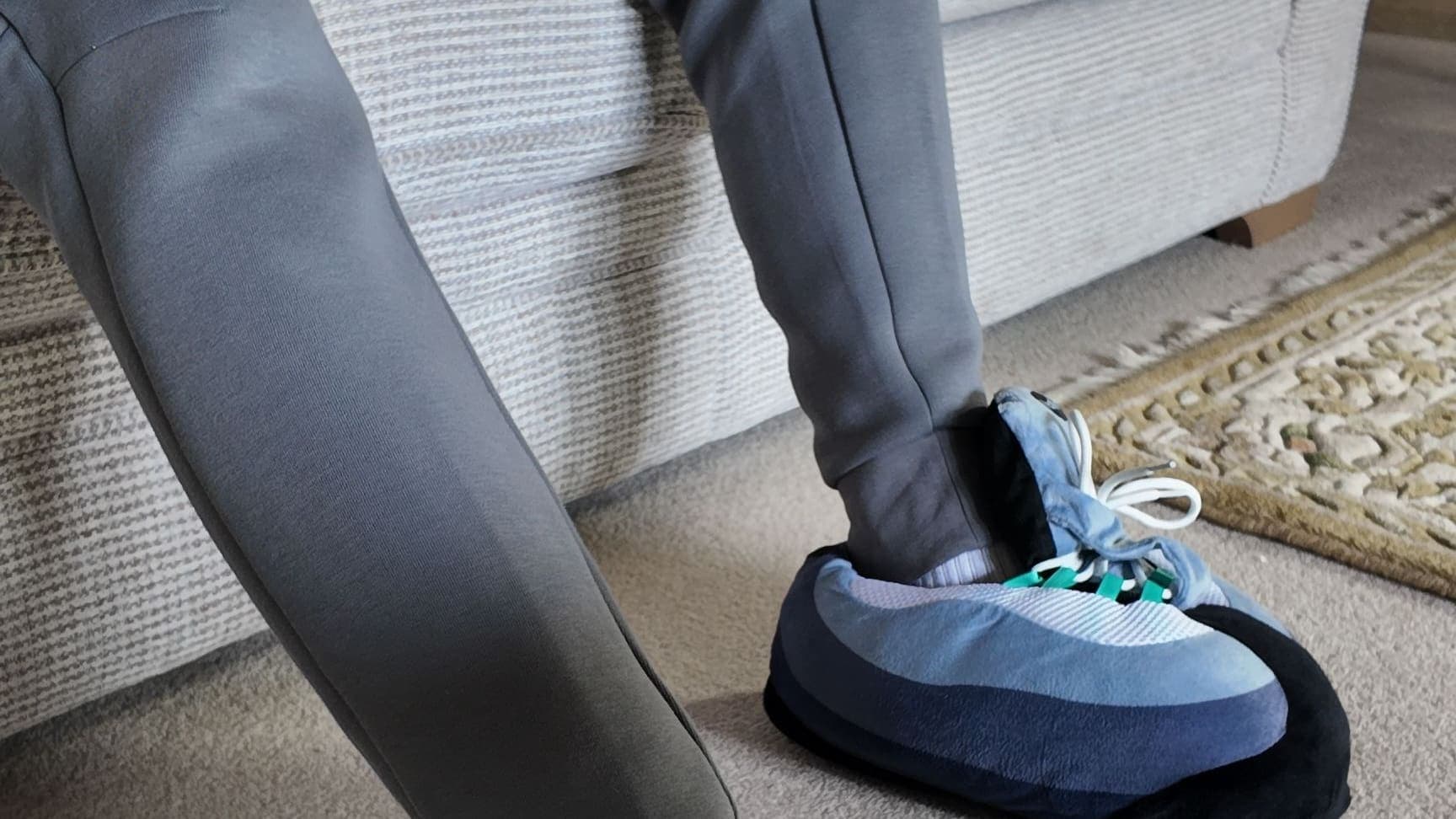
The best setups aren't just about specs. A common-sense comfort checklist for long gaming sessions, how to match your LEDs to your colourway, and why gaming slippers finish the job.
CloudKicks Team
Streetwear comfort, done right
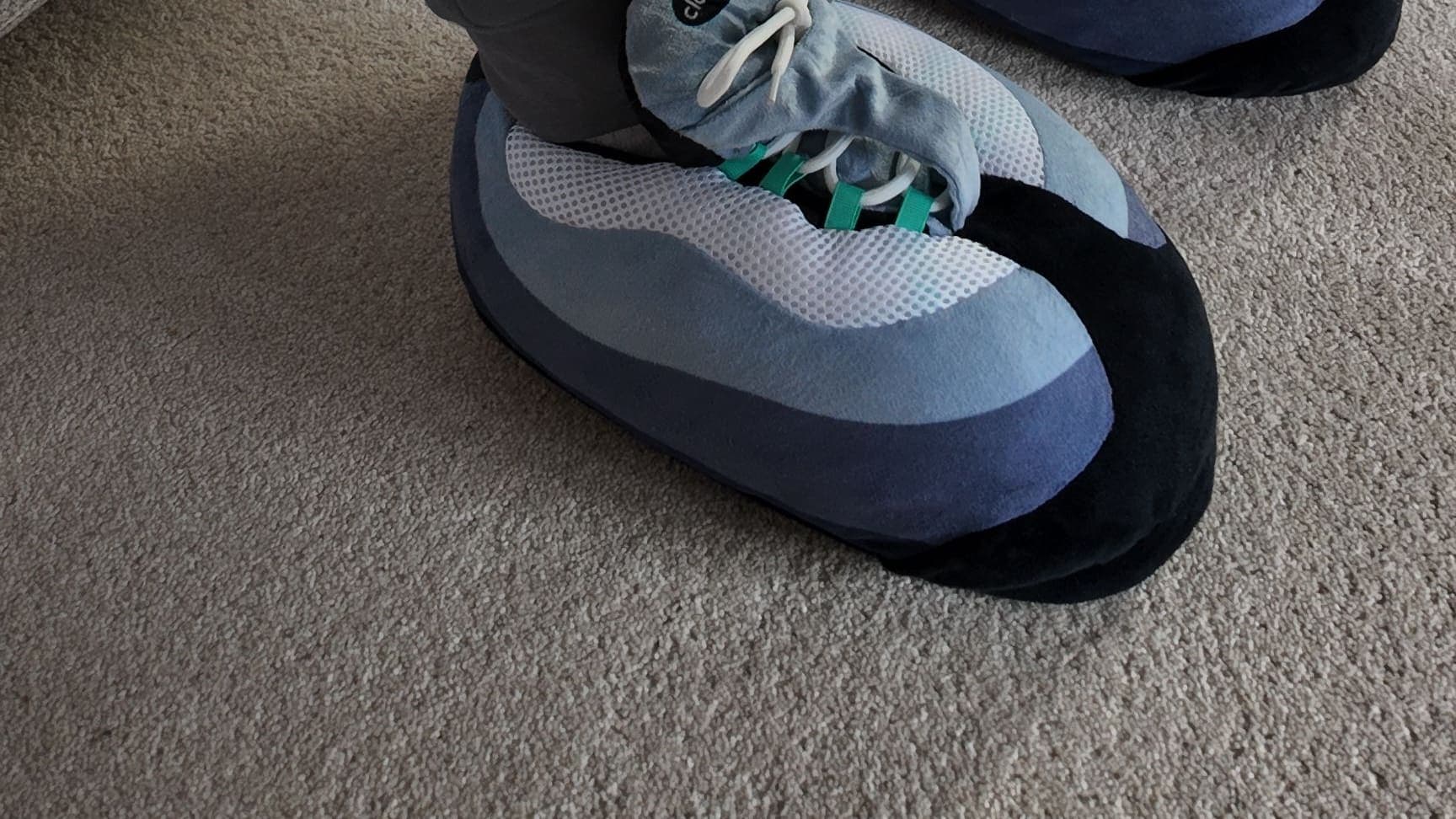
You've tuned the settings, sorted the headset and tidied the cables. Then you spend the whole session with cold feet on a hard floor. A good setup is about how it feels as much as how it runs, so here's a comfort checklist for long sessions, from the seat to the snacks, plus why a pair of gaming slippers is the finishing touch.
Why comfort matters on long sessions
The longer the session, the more the small stuff adds up. A seat that's slightly off, a draught around your ankles, a drink on the other side of the room. None of it matters for ten minutes. Over a whole evening, it's the difference between locked in and fidgeting.
None of this needs a big budget. It's mostly about setting things up properly once, so you can forget about them and focus on the game. The best setups feel like somewhere you want to be, not just somewhere with good specs.
Your gaming setup comfort checklist
Run through these before your next long session. They're simple, common-sense fixes, and most take a couple of minutes.
1. Seat and cushion
Start with where you sit. Pick a seat you can sit back in comfortably for a while, and if it's gone flat, a cushion is a cheap fix. Gaming from the sofa? A firm cushion behind you beats sinking slowly into the corner.
If your gaming desk doubles as your work desk, our guide to the best footwear for working from home covers the daytime shift.
2. Lighting
A bright screen in a pitch-black room is harsh on anyone. Most people find a bit of soft background light more comfortable, whether that's a lamp, an LED strip behind the monitor or a light bar on the desk. It also makes the whole corner look the part.
3. Snacks and drinks in reach
Every mid-match trip to the kitchen is a risk. Set up a drink and a snack within arm's reach before you start, on a coaster or side table rather than right next to the keyboard. A glass of water alongside the fizzy stuff is never a bad shout.
Go easy on anything that leaves greasy fingers, too. Your controller will thank you.
4. Temperature
Rooms cool down fast in the evening, and feet tend to notice first. Keep a hoodie or blanket within reach rather than getting up to fiddle with the heating mid-game, and don't leave your feet bare on a cold floor. Gaming in a spare room or a converted loft? Check how cold it gets on a winter evening before you settle in for the night.
5. Breaks
Use the natural pauses: loading screens, the gap between matches, a lobby filling up. Stand up, stretch, refill your drink and look at something that isn't a screen for a minute. It's a good habit, and the game will still be there when you sit back down.
6. Clear the clutter
Tidy the cables so nothing tugs at your headset or tangles around your chair, and clear the floor around your seat so you've got room to stretch out. A tidy corner feels calmer, and it makes the whole setup look sharper.
Match your LED strips to your colourway
If your setup already glows, your feet can join in. CloudKicks Drop 01 comes in two colourways, and each has a colour pop that plays well with LED lighting.
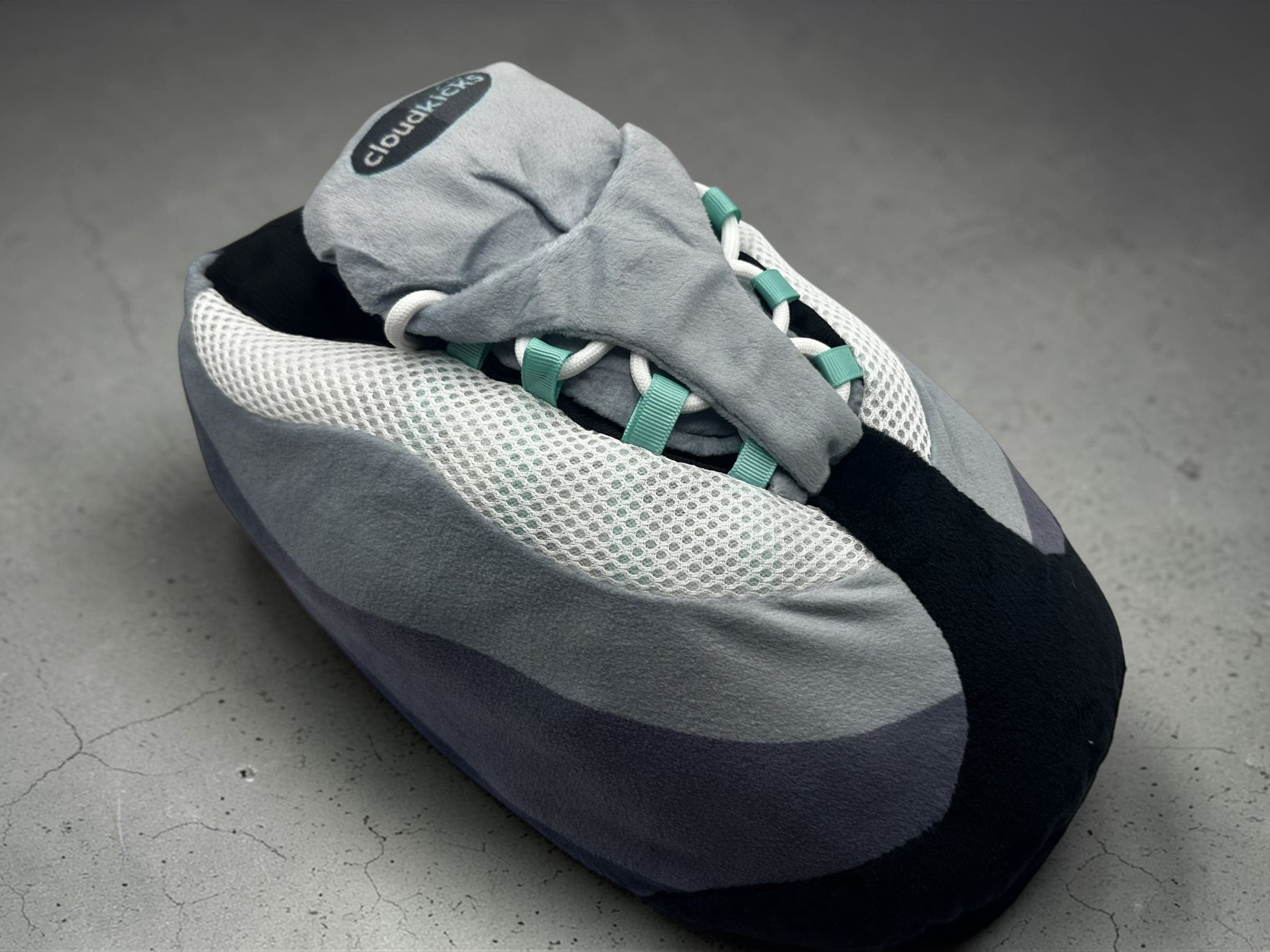
- Hyper Turquoise: mint-turquoise webbing lace loops. Set your strips to teal, cyan or turquoise to echo them.
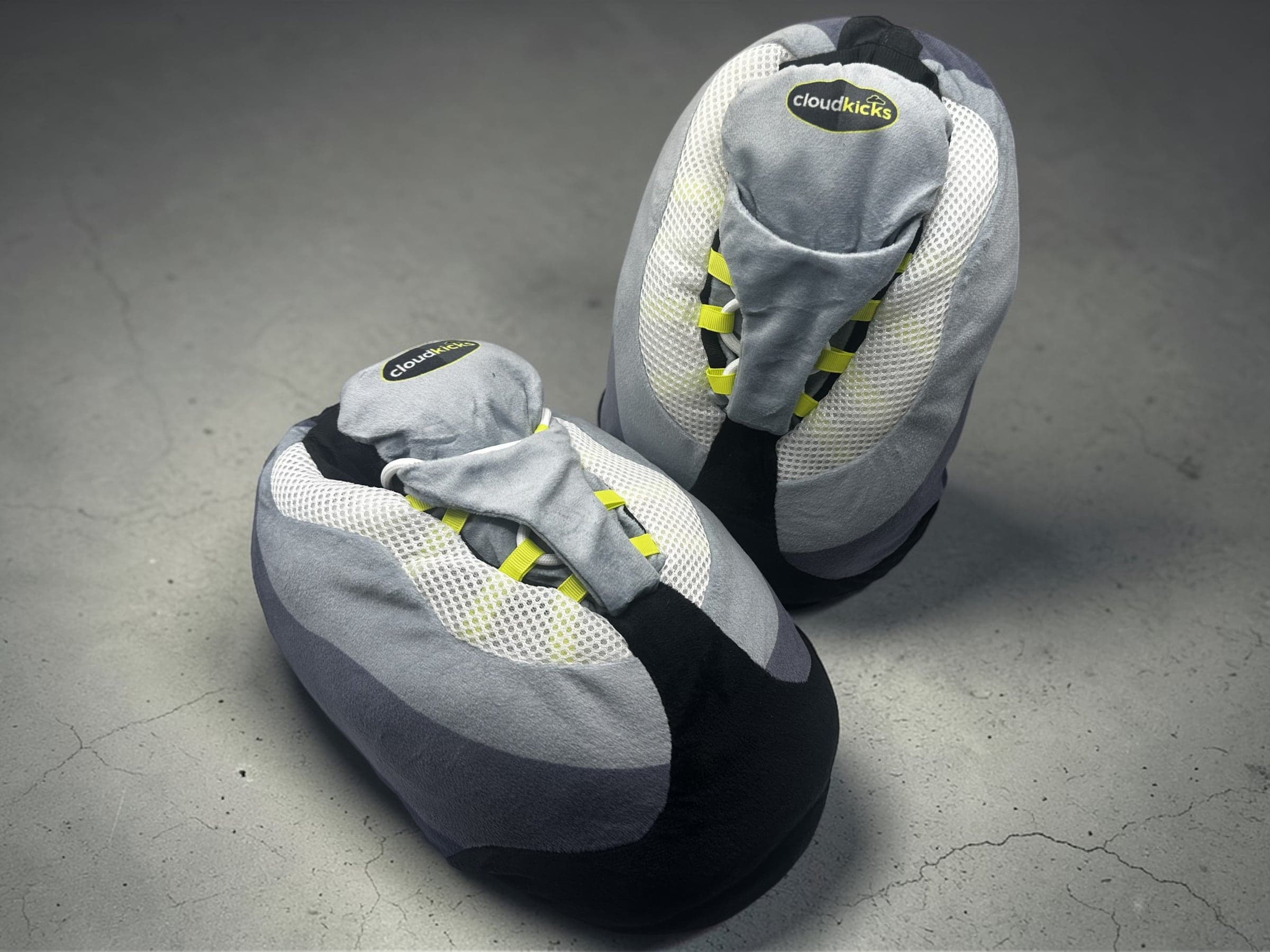
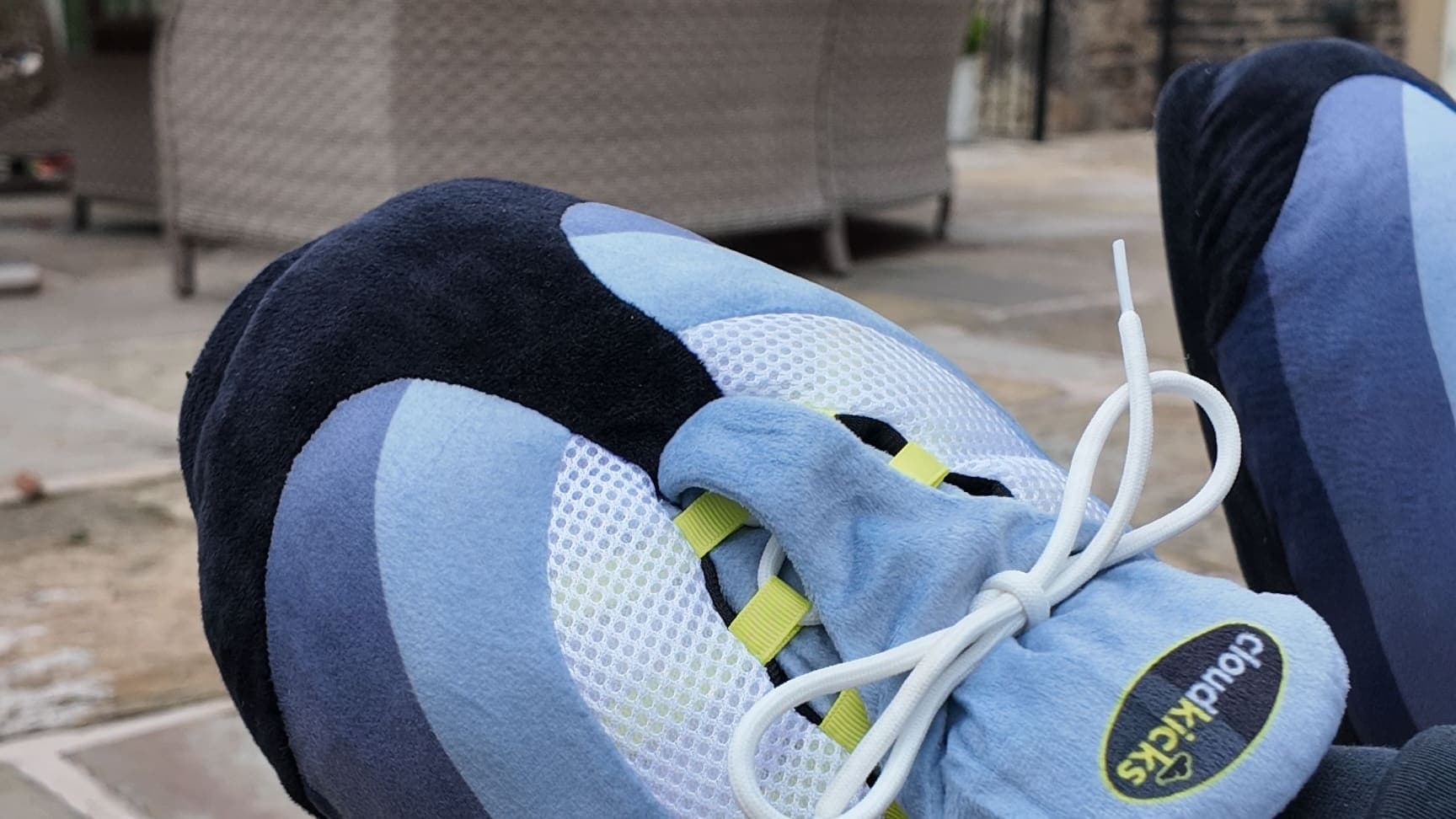
- OG Neon: neon volt-yellow loops. Go for a lime or volt-yellow glow, or run teal and neon together.
A few tips for getting the glow right:
- Keep it soft. A lower brightness usually looks better and feels less harsh in a dark room.
- Bounce it. Strips behind the desk, monitor or TV give an indirect glow instead of shining straight at you.
- Stick to a tight palette. One or two colours look deliberate. A full rainbow cycle rarely does.
Against the grey gradient panels and white honeycomb mesh-look side panel, a matching glow makes the whole corner feel planned rather than thrown together. Designed with intent, all the way down. Can't choose? Our colourway guide will help.
Gaming slippers: the finishing touch
Headset, controller, chair, lighting. Most setups stop there. But your feet are part of the session too, usually on a hard floor or in socks that gave up hours ago.
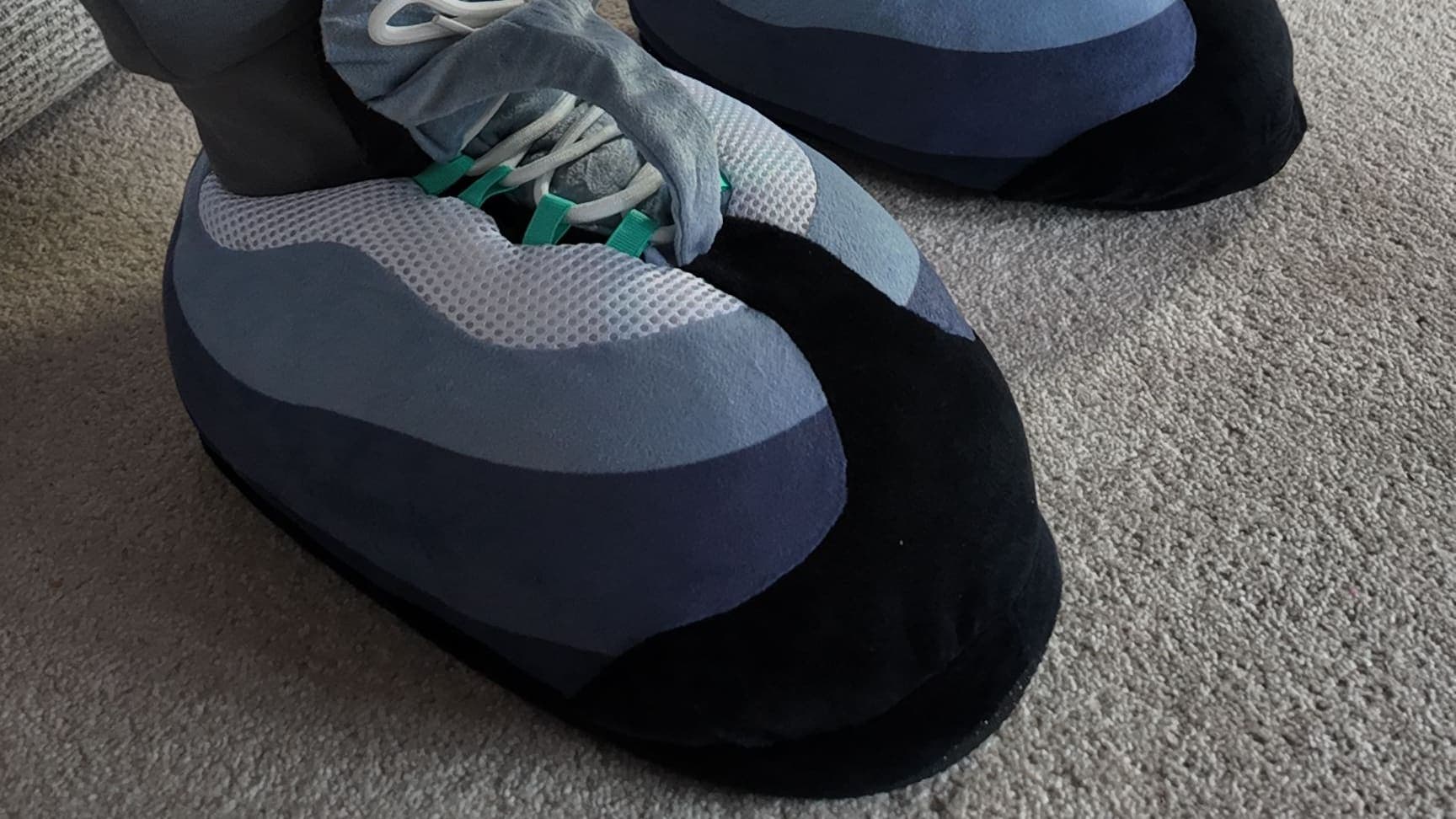
CloudKicks are oversized plush sneaker-slippers with soft cloud cushioning, designed primarily for indoor comfort, and gaming is one of the moments they're made for. They look like they belong in the setup, with a big, rounded sneaker silhouette and chunky white rope laces, and they feel like a slipper from the first match to the last.
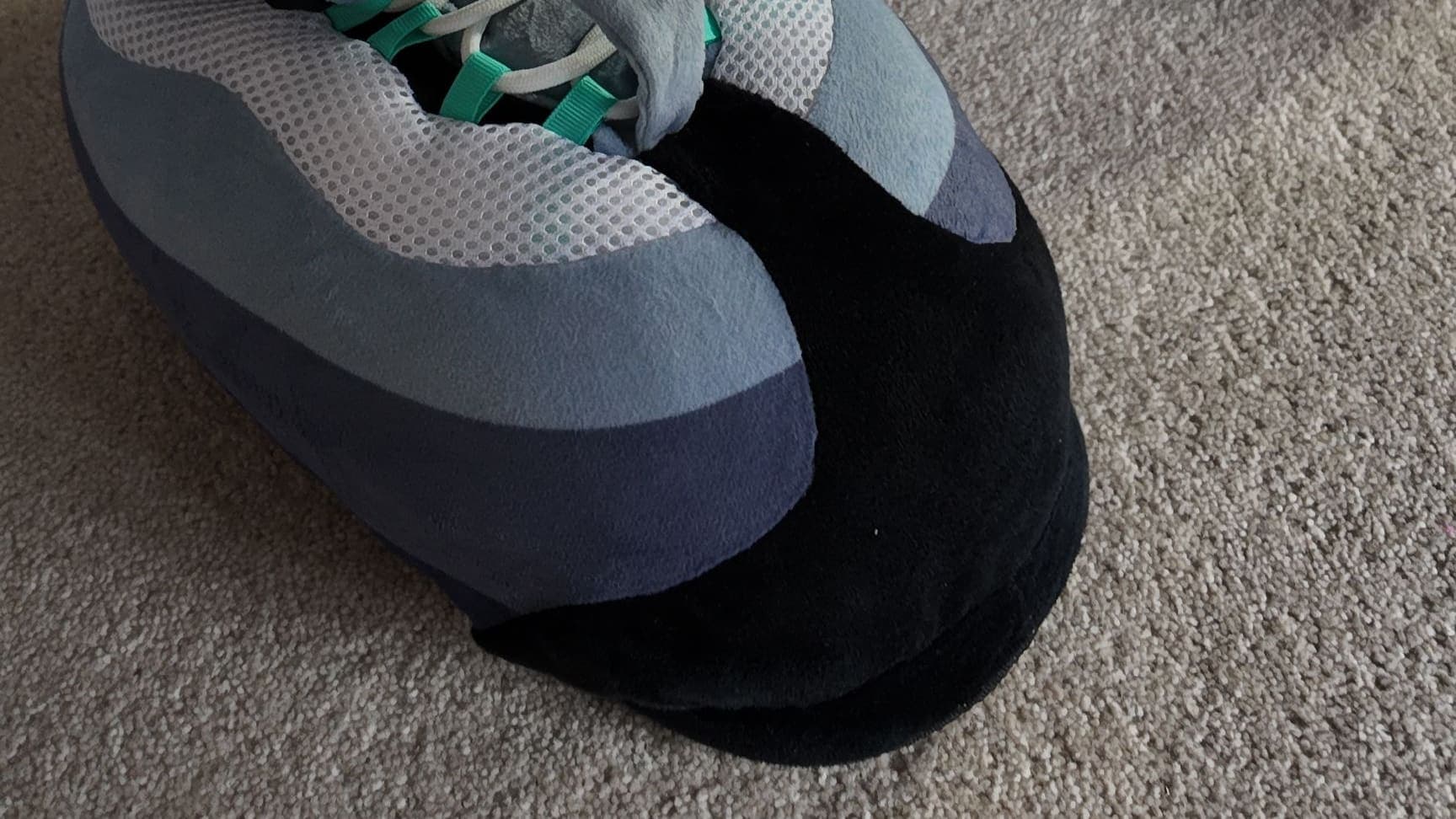
It's the same energy as the rest of your gear: layered grey gradient panels, a white honeycomb mesh-look side panel, a thick black heel stripe and a soft grey plush tongue with a black oval CloudKicks badge. And because they're made for indoors, the gaming corner is exactly where they belong.
“I forget I am wearing them. Easily the most comfortable footwear I own.”
Build the setup, then settle in
A cosy gaming setup comes down to the basics: a seat you can settle into, soft light, supplies in reach, a comfortable room and proper breaks. Get those right and the only thing left to think about is the game. Give your feet the same attention as your screen and the whole thing comes together.
Finish it from the floor up. Shop the drop, match your glow and settle in. For the rest of the house, our guide on where to wear your CloudKicks has you covered.